Focus Rail
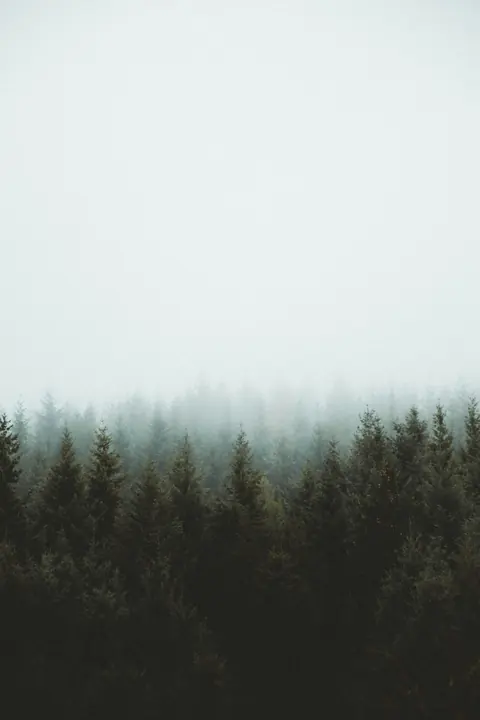
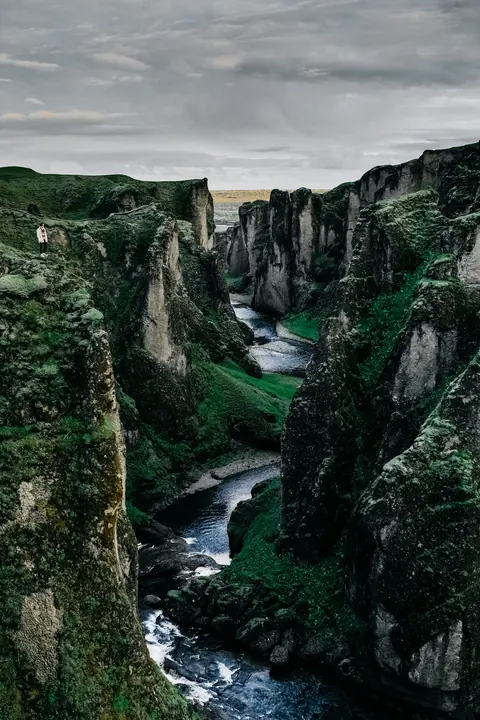
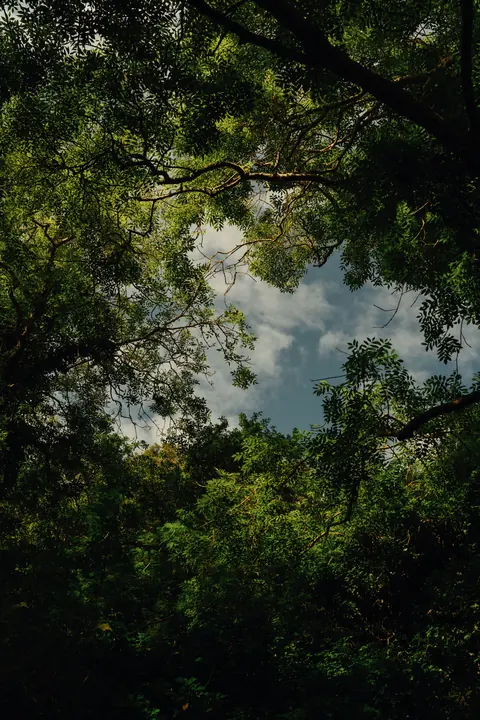
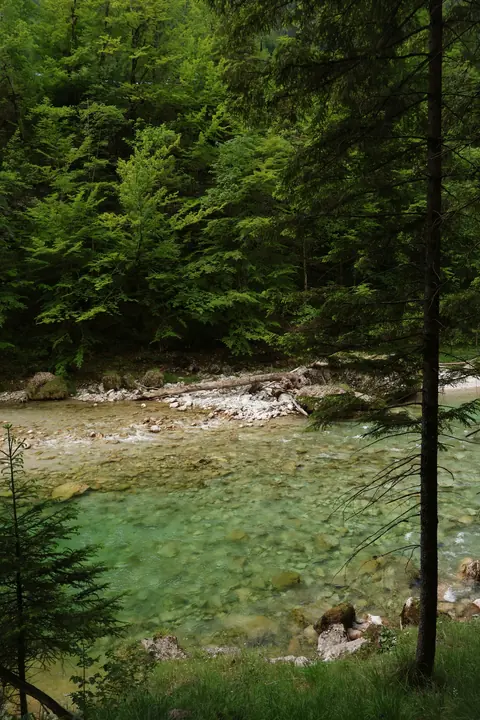
ProA row of images with one in focus. The rest step back, smaller, dimmer and softer, with the gaps kept even at every size.
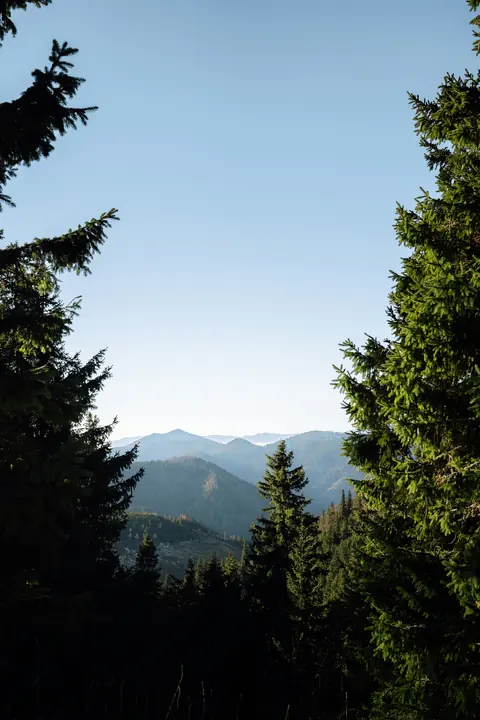
Granite Dome, 3 of 9
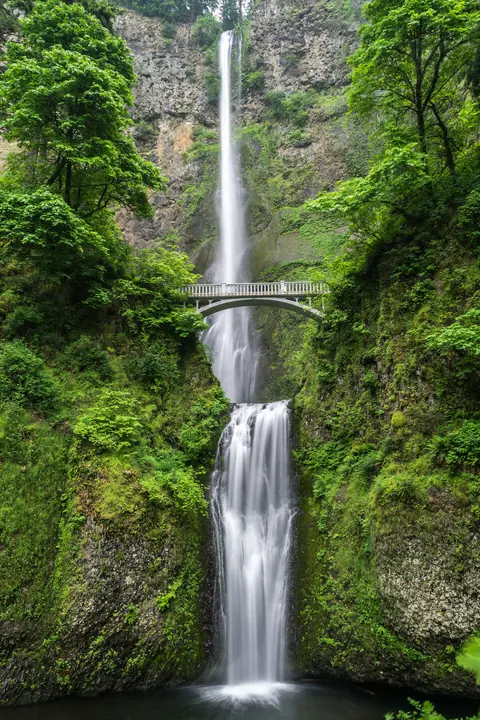
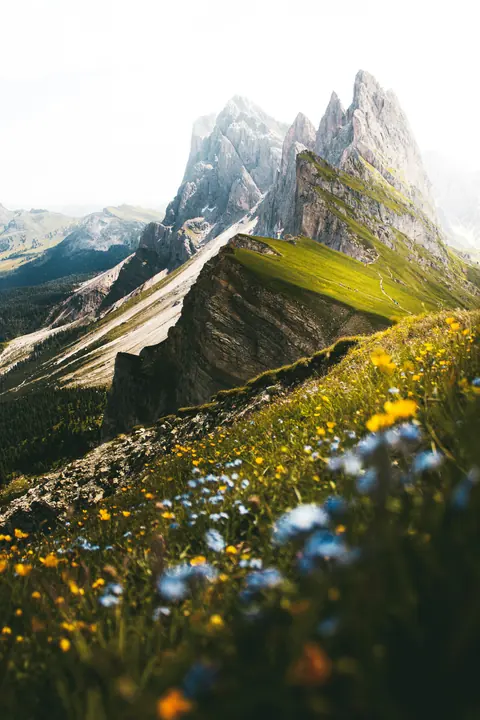
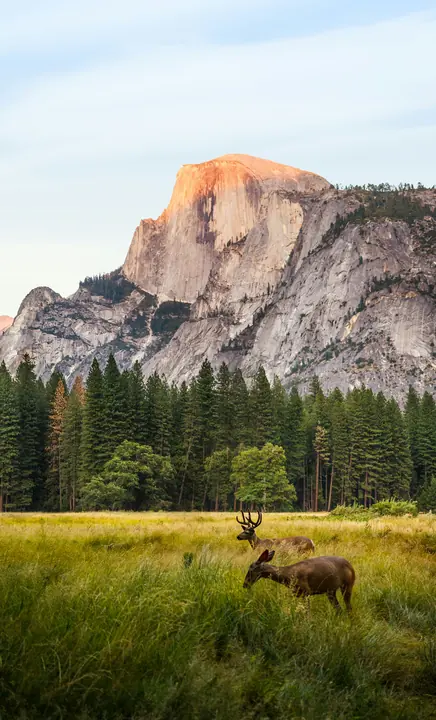
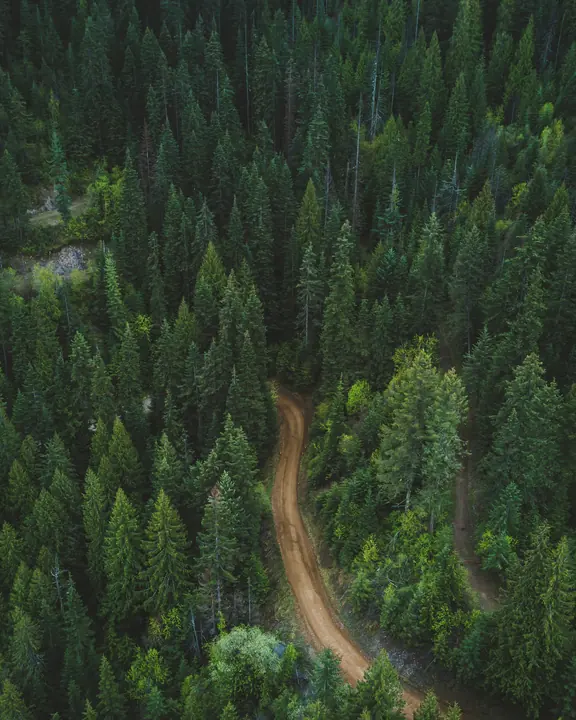
pnpm dlx shadcn@latest add @latheui/focus-railPart of Lathe Pro. Set up your project once with your license key: npx latheui init --key <key>. See Lathe Pro.
Focus Rail is part of Lathe Pro
The preview is live and free to try. The source, the install and every assembly come with Pro: $79 once, with lifetime updates.
Depends on
- motion
- lathe/motion
- lathe/transition
API reference
FocusRail
Also accepts native div attributes.
| Prop | Type | Default | Description |
|---|---|---|---|
| items* (required) | { src: string; alt: string; title?: string; caption?: string }[] | — | The images, in order. |
| label* (required) | string | — | Accessible name for the rail. |
| index | number | — | Controlled index of the item in focus. |
| defaultIndex | number | 0 | Item in focus to begin with. |
| onIndexChange | (index: number) => void | — | Called as a new item comes into focus. |
| onSelect | (item, index) => void | — | Called when the item in focus is clicked, or Enter or Space is pressed. |
| itemWidth | number | 240 | Width of the item in focus, in px. |
| aspect | number | 3 / 4 | Width divided by height. |
| gap | number | 16 | Space between items in px. Stays even as items shrink. |
| falloff | number | 0.14 | How much smaller each step from the focus gets. |
| minScale | number | 0.62 | The smallest an item gets. |
| blur | number | 1.5 | Blur added per step, in px, up to 8. |
| dim | number | 0.22 | Opacity lost per step. |
| loop | boolean | false | Wrap around instead of stopping at the ends. |
| fadeEdges | boolean | true | Fades the rail out toward its sides. |
| showCaption | boolean | true | Shows the focused item's title and caption. |
| radius | number | string | 16 | Corner radius of an item. |
| curve | Curve | responsive spring | How the rail settles. Any curve from the Animation Lab; springs carry the flick. |
| duration | number | — | Milliseconds, for curves that are not springs. |
| renderItem | (item, { active }) => ReactNode | — | Draw an item yourself instead of the image. |
Keyboard
- Tab
- Focuses the rail.
- ArrowRightArrowLeft
- Moves the focus one item.
- HomeEnd
- Moves to the first or last item.
- EnterSpace
- Selects the item in focus.
Accessibility
- The rail is one focusable group with the carousel role description, so it is a single tab stop.
- The item that comes into focus is announced with its title, or its alt text, and its place.
- Sideways trackpad scrolling moves the rail; vertical scrolling still scrolls the page.
- Blur and dimming are visual only; the item in focus is always sharp and fully opaque.
Motion
- Each item's position, size, blur and opacity are worked out from its distance to the focus, so everything moves together as one.
- On release a flick carries on for a fifth of a second, then the rail settles with a spring (stiffness 300, damping 34), or your curve.
- Past the first or last item the rail stretches with growing resistance, never more than half a step, and springs back.
Customization
Square covers that loop
<FocusRail label="Albums" items={albums} loop aspect={1} itemWidth={190} falloff={0.18} />Flat: no blur or dimming
<FocusRail label="Shots" items={items} blur={0} dim={0} falloff={0.08} />Related
- Orbit GalleryImages on a tilted 3D ring. Drag or flick it and it settles on the nearest image; click one to bring it round to the front.
- CarouselScroll-snapping slides you move with buttons, dots, arrow keys or by dragging with the mouse.
- Progressive BlurA blur that builds toward one edge, so content under a floating bar melts away instead of being cut off.